The RadClerk Institution Dashboard Is Here
Managing your program's students in RadClerk just got a whole lot easier with the new RadClerk Institution Dashboard.
Managing an academic or residency program means keeping a lot of moving parts in sync — rosters, course assignments, enrollment timelines, learner progress.
Starting May 2026, program coordinators get direct access to their own RadClerk institution dashboard — a dedicated space to manage enrollments, track learner progress, and stay on top of your program without going through us for every little thing.
Here's what you can do with it.
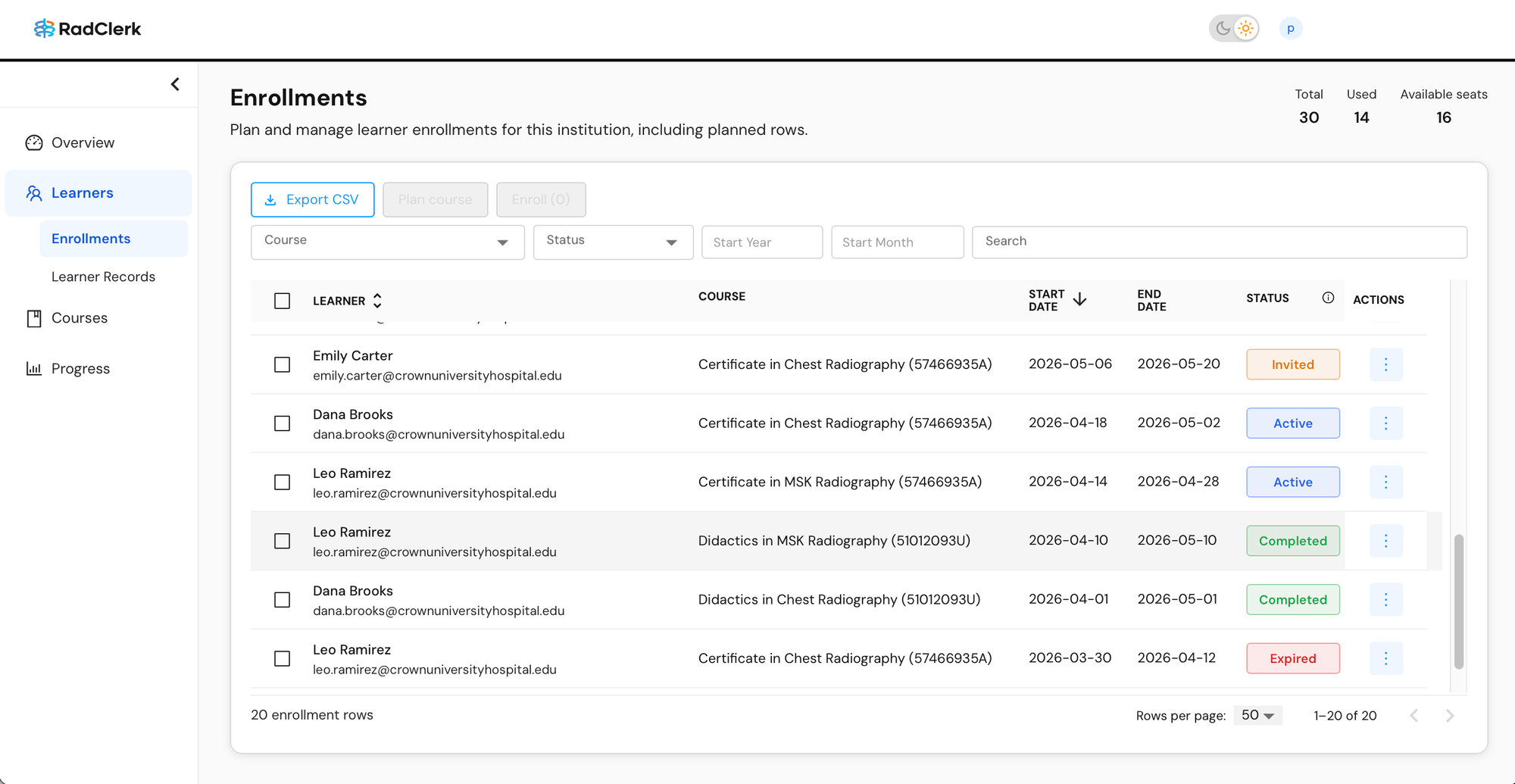
Plan and enroll on your own timeline
Upload your roster, map learners to courses, and plan enrollments in advance — before the program cycle even starts. When something changes (and something always changes), you can make updates yourself, whenever you need to.
Keep track of your seats
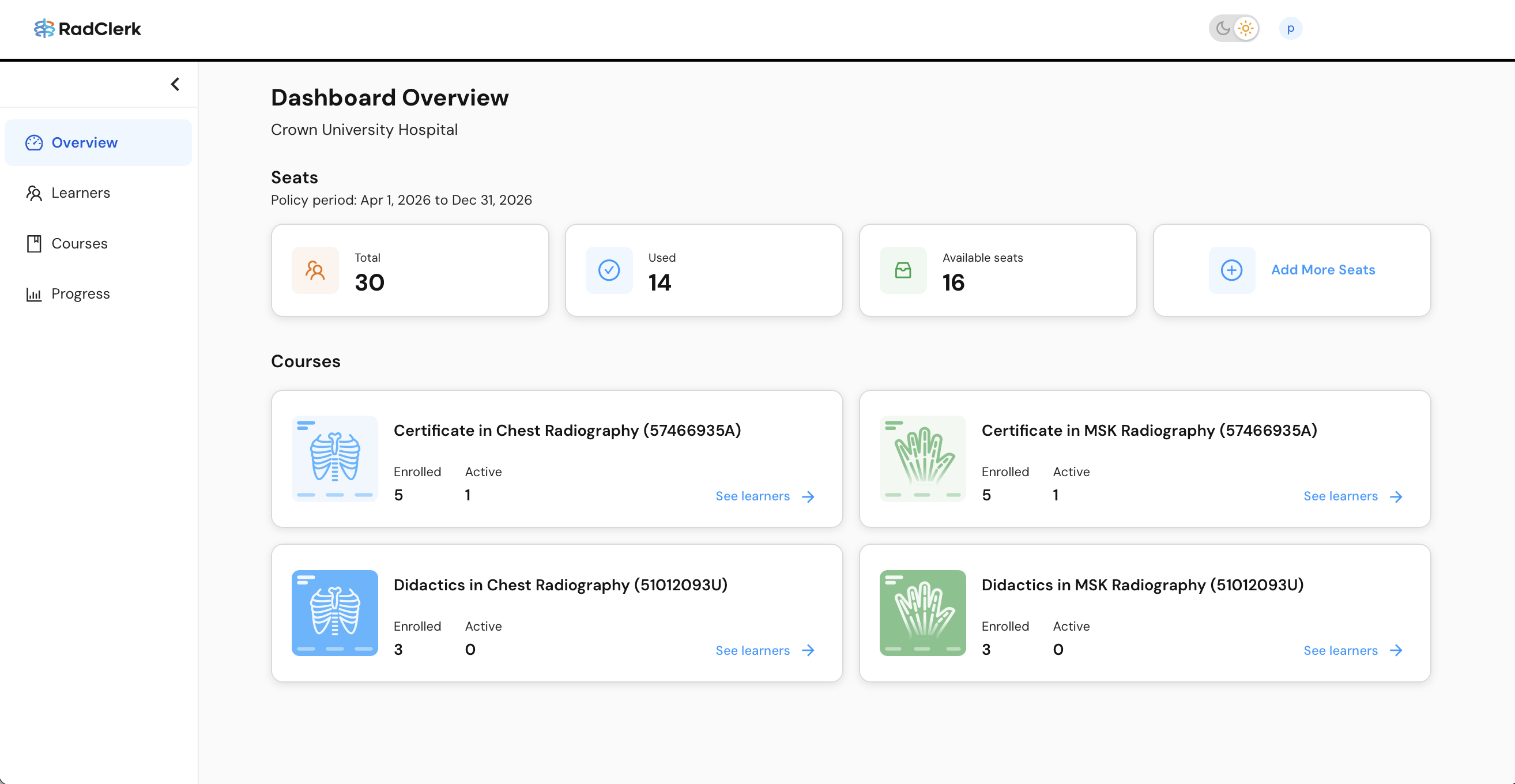
Your institution has an allocation of seats per policy period that learners consume when enrolled. The dashboard shows your total seats, how many have been used, and how many are still available at a glance — so you always know your headroom before enrolling the next group.
Need more seats? You can access our Seat Request Form from the dashboard.

See how your students are doing
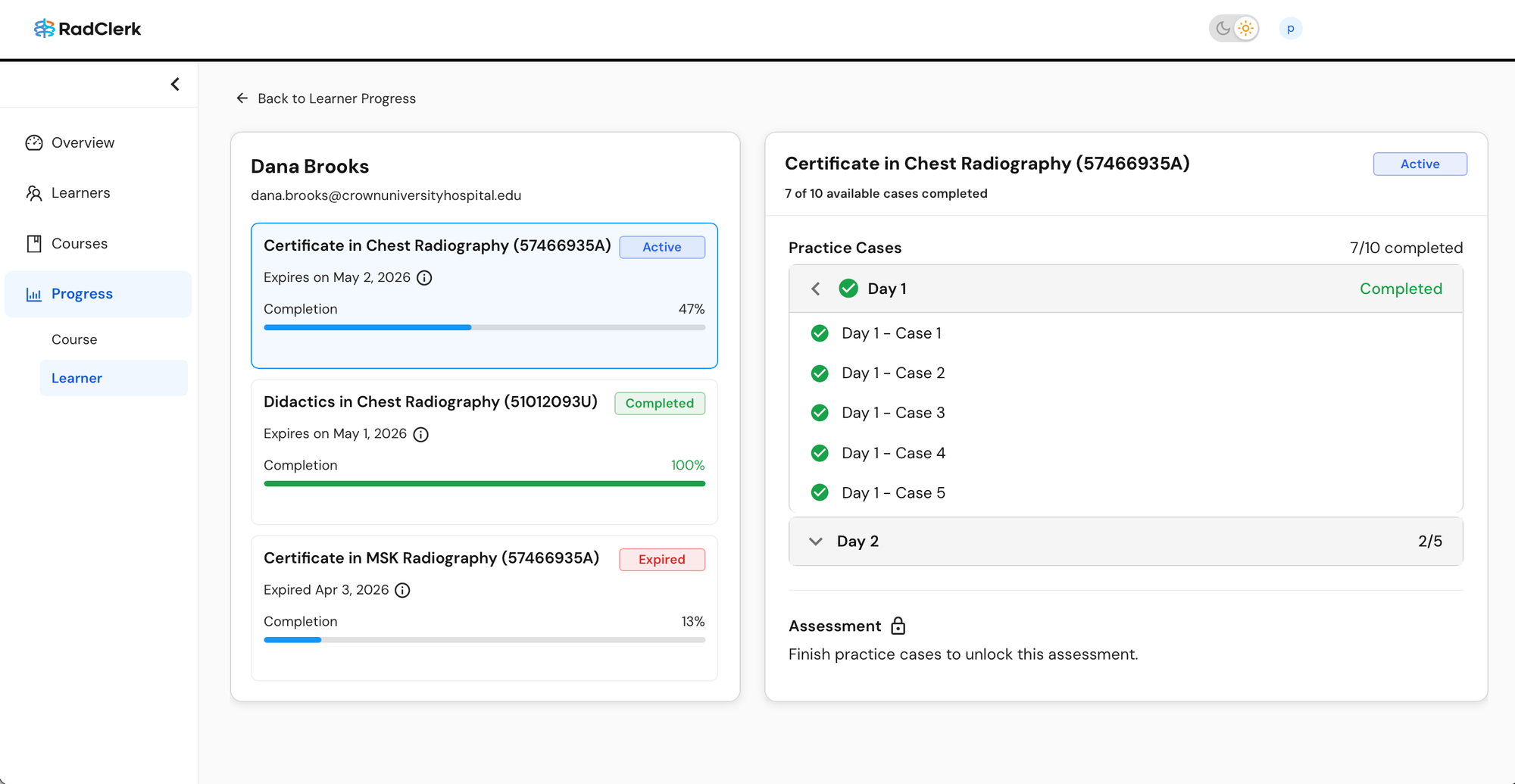
The progress section gives you a view across all enrolled learners — who's active, who's completed, and where people might be falling behind. You can drill down into individual learners to see exactly which cases they haven't completed yet, so you're not guessing when someone needs a nudge. You can also export a CSV of progress data if you need it for your own records or reporting.
What's coming next
We're continuing to build features that will make managing your RadClerk programs even easier. Coming up: track the issuance of completion certificates and access them right from the dashboard.
If you have questions about getting set up or what any of this looks like for your institution, reach out — we're happy to walk you through it.
— RadClerk Staff